
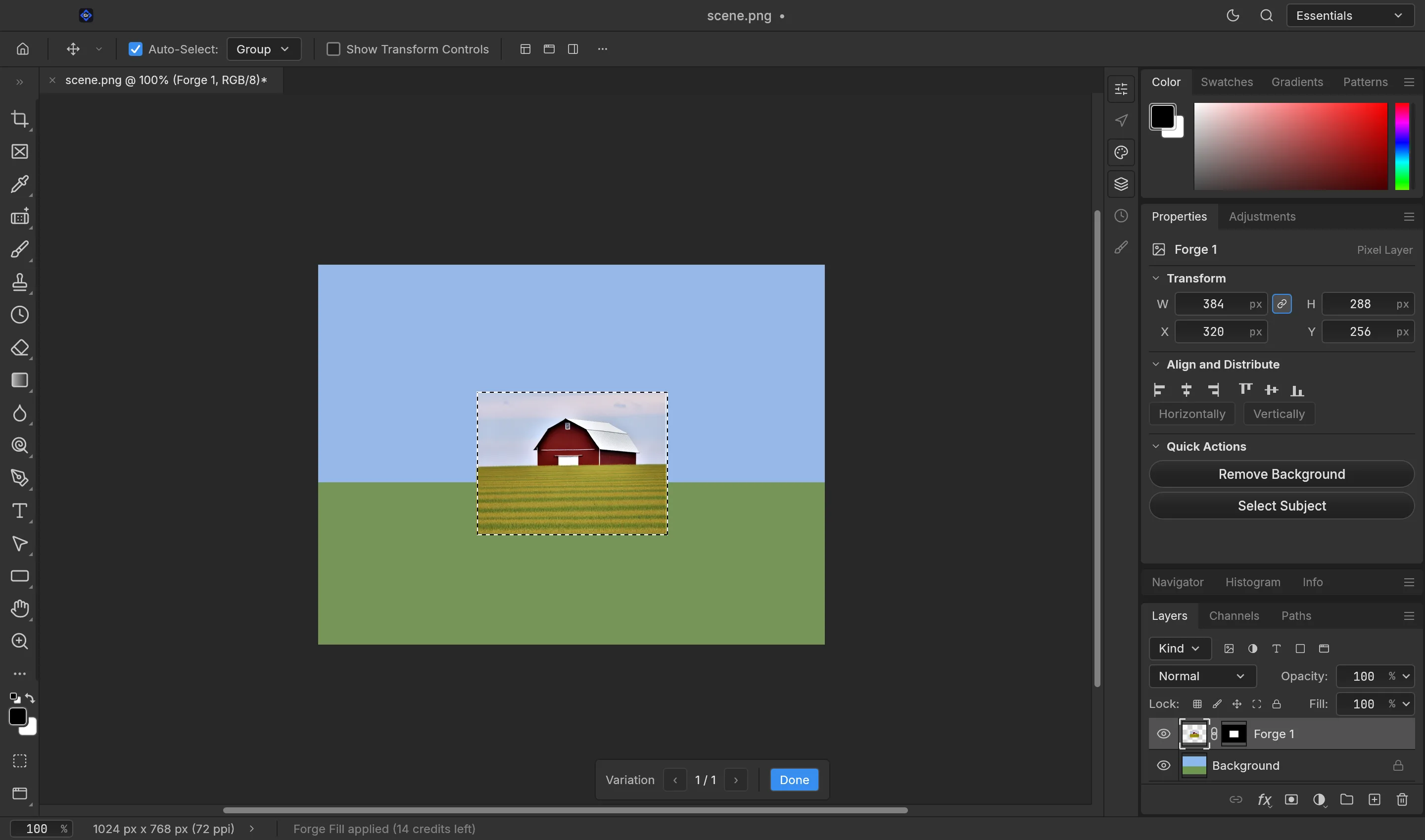
Generative AI · built into Axis Graphics

Axis Forge

Fill, extend and remove — generated right on your canvas. Three variations every time, each one a non-destructive layer.

Credit-metered · sign in through the Axis launcher to use it.
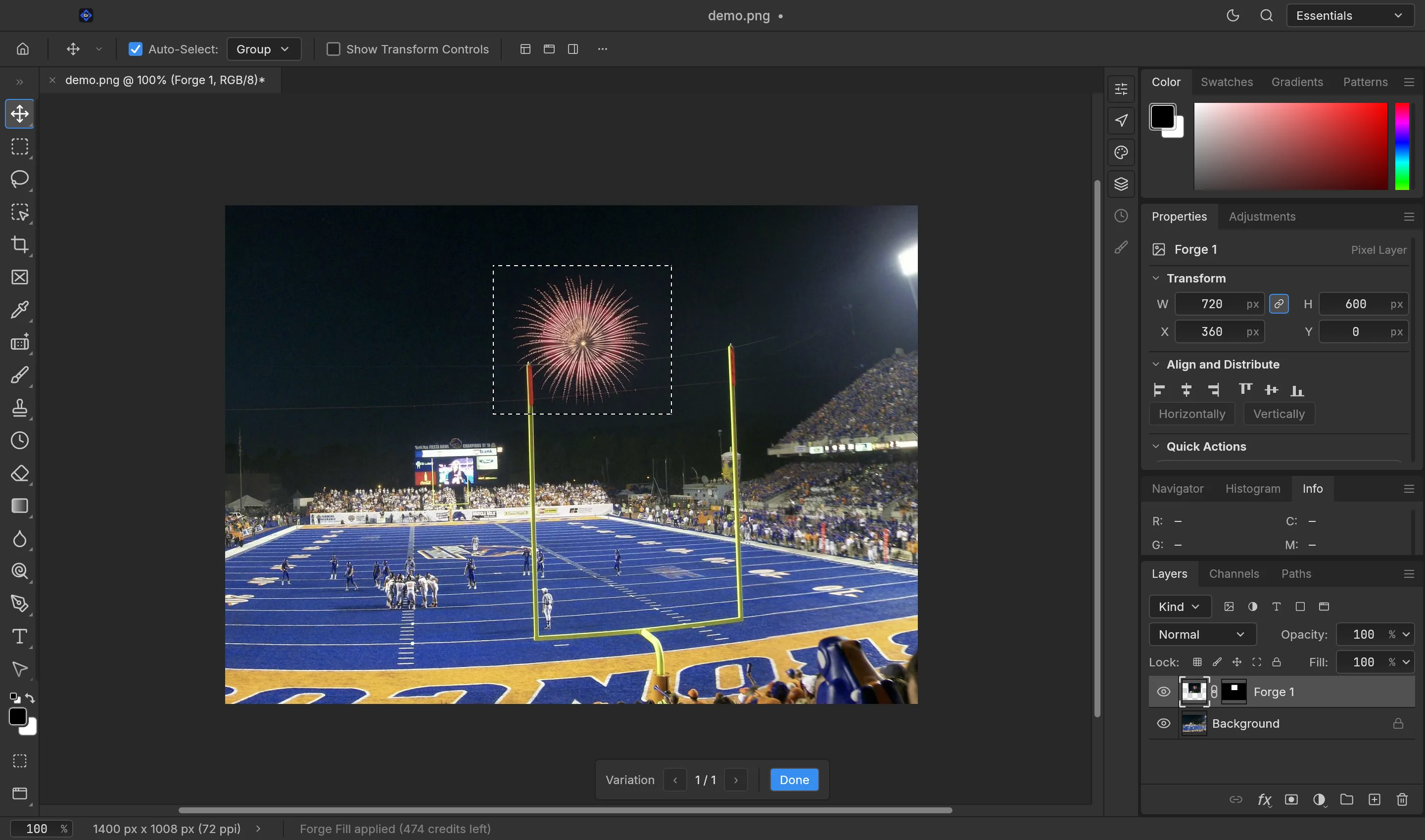
Axis Forge generating a fireworks display into a real stadium photo on the Axis Graphics canvas
Real output — fireworks generated into a stadium photo with Generative Fill.
Three moves on one bar

Fill, extend, remove.

Make a selection and the Forge bar appears right on your canvas. These three moves cover most of what generative AI is actually useful for.

The Axis Forge variation picker over a generated result on the canvas
Fill

Generative Fill

Draw a selection, type what you want, and Forge paints it straight into the gap — three variations to step through, each landing as its own masked layer.
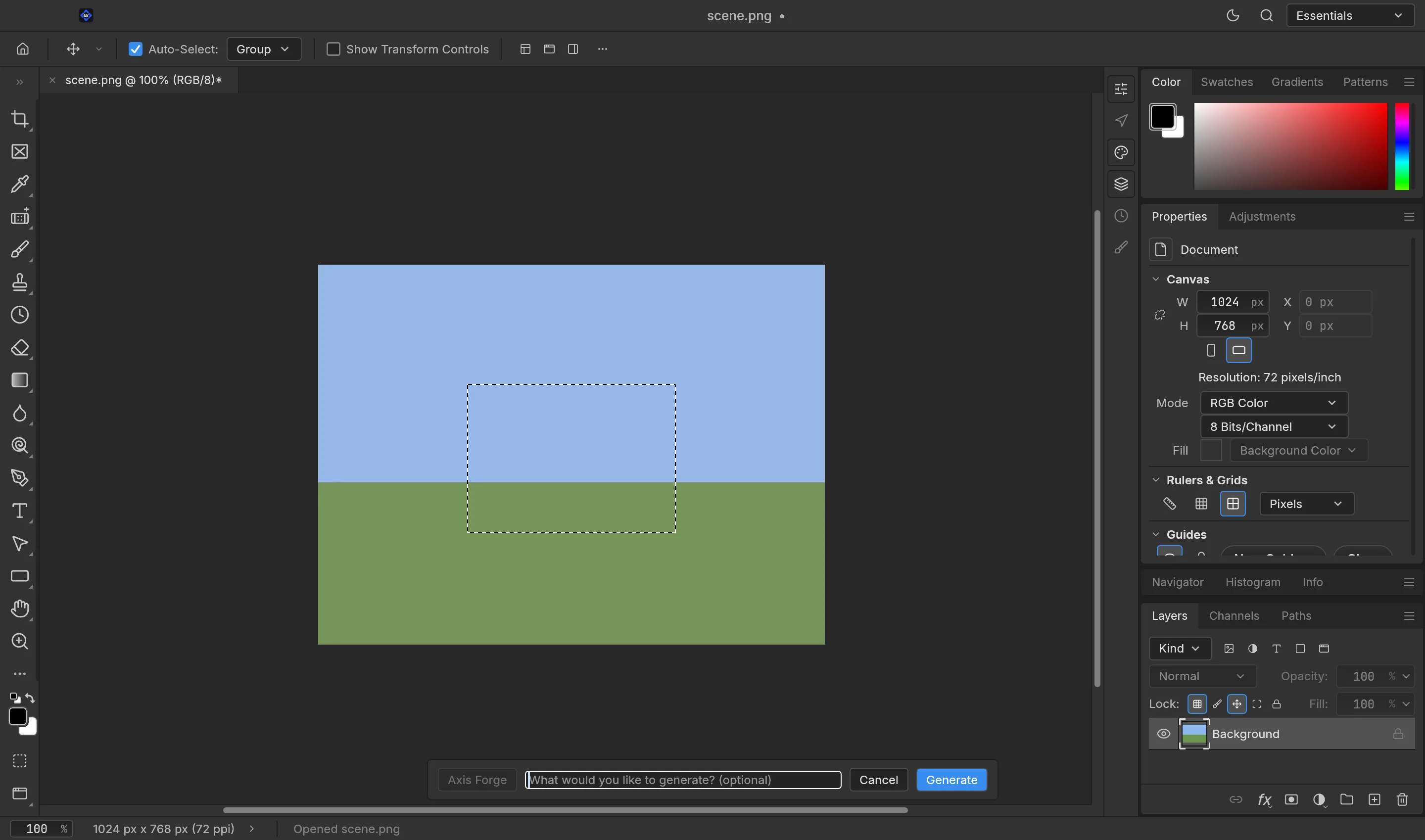
The Axis Forge prompt bar with an optional, empty prompt field for outpainting
Extend

Generative Extend

Select past the edge of the frame and leave the prompt empty. Forge reads the scene and continues it — outpaint left, right, up or down with no seams to clean up.
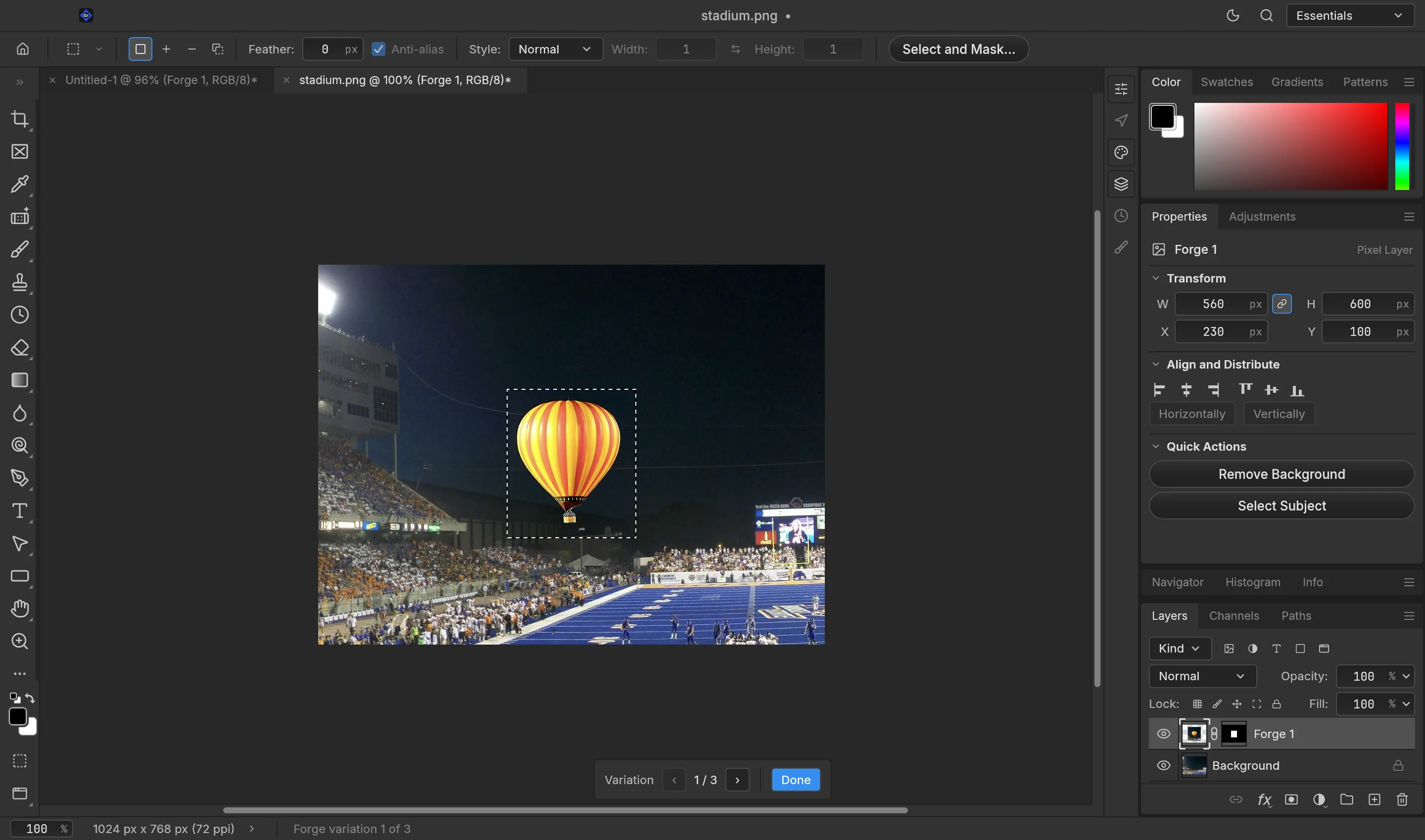
Axis Forge removing an object and rebuilding the background on a photo
Remove

Remove

Select an object and hit Remove. Forge rebuilds the background from the real surroundings, so what was there simply dissolves into the scene.

How it works

Three steps, nothing baked in.

Every result arrives as its own masked layer on top of your original — hide it, remask it or delete it any time.

  1. 1

    Select

    Mark a region to fill, an area past the edge to extend into, or an object to remove. The Forge bar appears on your canvas.

  2. 2

    Forge or Remove

    Hit Forge to generate — with a prompt or without — or Remove to erase. It runs while you keep editing.

  3. 3

    Pick your variation

    Step through the options and keep the one you like. It lands as a masked layer, so nothing is ever baked in.

Why Axis Forge

Generative AI that respects your file.

Built for real editing, not one-shot novelty — and honest about what it is and how it is billed.

  • Non-destructive by defaultEvery generation lands as its own masked layer. Your original pixels are never overwritten — mask, hide or delete at will.
  • Blends with the real sceneForge reads the surrounding pixels, so fills, extensions and removals match the light, colour and grain already in your image.
  • Your pick of variationsGenerations come back as a set. Step through them and choose — you are never stuck with the first result.
  • Metered simply in creditsOne credit, one generation. No seats to reshuffle, no opaque tiers — top up whenever you want.
Pricing

Simple credits. One generation, one credit.

Forge is metered in credits — 1 credit = 1 generation. Every paid Axis plan includes a monthly pool, and you can top up any time.

Credits on every Axis plan

The whole suite is free; paid plans add cloud storage and a monthly pool of Forge credits that refreshes every month.

Free
$0forever
Own the whole suite.
Download free
  • The whole app suite
  • Full local editing
  • No account required
  • Open files on your own disk
  • Community support
Plus
$9/mo
Personal cloud + AI.
Choose Plus
  • Everything in Free
  • 100 GB cloud storage
  • Sync across your devices
  • 40 Forge credits each month
  • Email support
Most popular
Pro
$19/mo
More room, more AI.
Choose Pro
  • Everything in Plus
  • 1 TB cloud storage
  • 150 Forge credits each month
  • Generative Fill, Extend & Remove
  • Priority support
Team
$16/mo · seat
For studios & teams.
Choose Team
  • Everything in Pro
  • 100 pooled Forge credits / seat
  • Shared team files & roles
  • Centralized billing & admin
  • Self-host the cloud

Top-up bundles

One-time credit packs — stack on any plan, including Free. Permanent: top-up credits never expire.

50
credits
$5.99
Buy
Most popular
150
credits
$14.99
Buy
500
credits
$39.99
Buy
1,500
credits
$99.99
Buy

Credit pricing is indicative and may change as Axis Forge comes out of beta. AI never trains on your work. Axis is not affiliated with Adobe Inc. or Microsoft Corp.

How to get it. Forge lives inside Axis Graphics. Install the suite from the launcher, sign in to your Axis account, and your credits are ready — generations are metered, so Forge isn't free or unlimited.
Get Axis Graphics

Generate right where you edit.

Fill, extend and remove on your own canvas — install Axis Graphics and sign in to start.